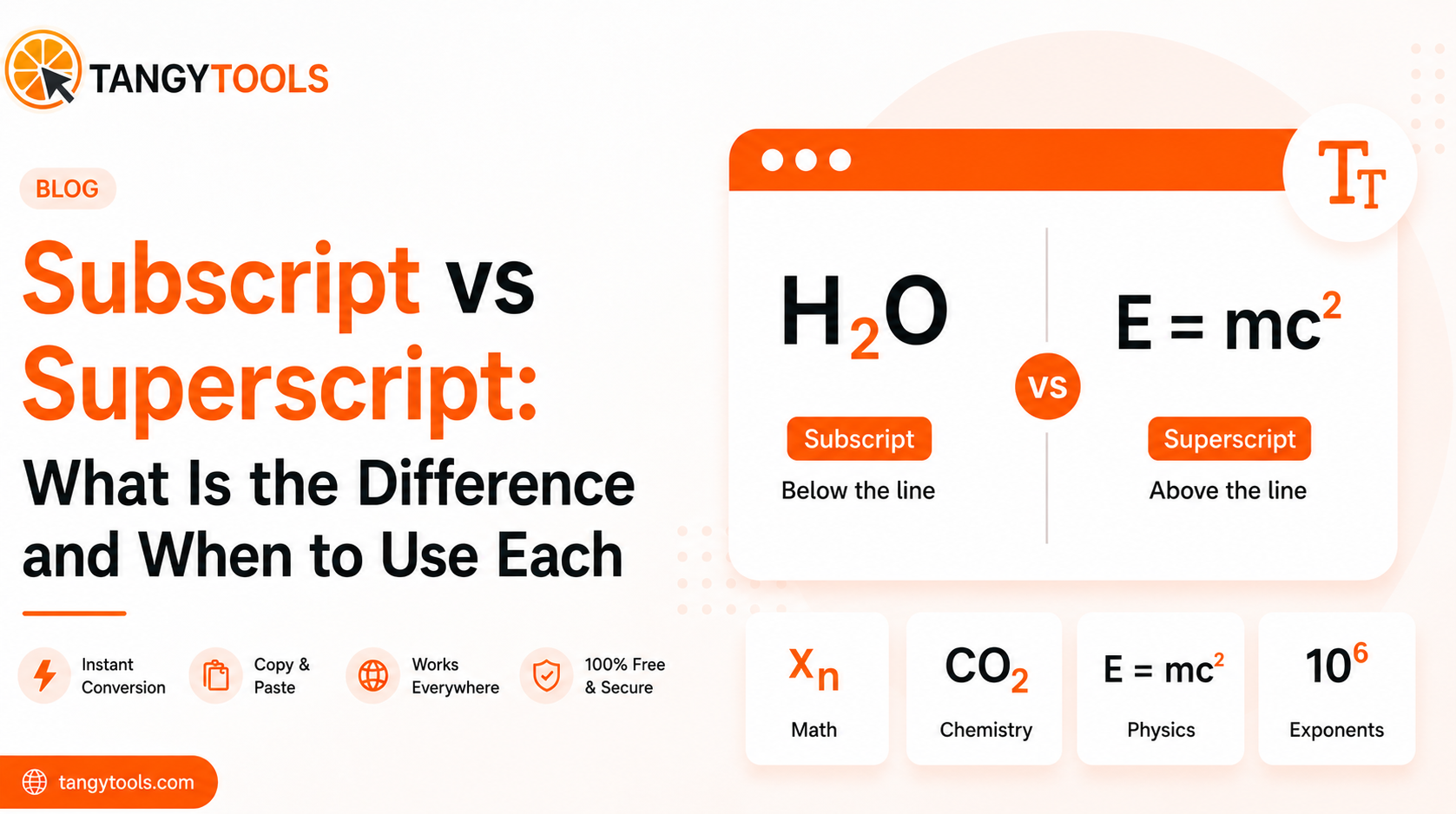
Subscript text sits below the normal text baseline, like the 2 in H₂O. Superscript text sits above it, like the 2 in x². Both use Unicode characters that work anywhere plain text works, from Instagram bios to WhatsApp messages to Google Docs.
If you have ever stared at a chemistry formula or a math expression and wondered which one you are looking at, this guide will clear it up for good.
What Is Subscript Text?
Subscript is text that drops slightly below the regular line of writing and appears at a smaller size. It is the notation system used to show counts, indices, and identifiers in science and mathematics.
The most familiar example is water: H₂O. The 2 is subscript because it tells you there are two hydrogen atoms in the molecule. It is not a power or an operation. It is a count, and subscript is the convention used to show it.
Here are a few more examples you will recognise:
- CO₂ : carbon dioxide, two oxygen atoms
- xₙ : the nth term in a mathematical sequence
- log₂n : logarithm of n to base 2
- aᵢⱼ : element at row i, column j in a matrix
The pattern is consistent. Subscript communicates identity and quantity. It answers questions like “which one” or “how many” rather than “what operation is being performed.”
What Is Superscript Text?
Superscript is text that rises above the normal text baseline, also at a smaller size. It is the notation used for powers, exponents, footnote markers, and certain symbols.
The clearest example is x². The 2 here is superscript, and it means x raised to the power of 2. Unlike the 2 in H₂O, this 2 describes an operation being performed on x, not a count attached to it.
Common examples of superscript:
- x² : x squared, x raised to the power 2
- E=mc² : energy equals mass times the speed of light squared
- reference¹ : a footnote marker in academic writing
- ™ and ® : trademark and registered symbols
- 1ˢᵗ, 2ⁿᵈ, 3ʳᵈ : ordinal numbers written with superscript suffixes
Superscript communicates operations, hierarchy, and reference. It answers “what is being done to this value” or “where does this point to.”
Subscript vs Superscript: Side by Side
| Subscript | Superscript | |
|---|---|---|
| Position | Below the text baseline | Above the text baseline |
| Size | Smaller than body text | Smaller than body text |
| Common in | Chemistry, math sequences | Powers, footnotes, symbols |
| What it shows | Count, index, identifier | Operation, reference, rank |
| Example | H₂O, xₙ, log₂ | x², footnote¹, ™ |
| Social media use | Bios, scientific notation | Trademark-style symbols |
The simplest memory trick: subscript goes down (think sub, as in submarine, which goes under water). Superscript goes up (super, as in above).
When you look at a formula and are not sure which is which, ask yourself what the small character is doing. If it is counting something or labelling which element you are referring to, it is subscript. If it is describing an operation or pointing somewhere else, it is superscript.
When to Use Subscript
Chemistry formulas. Any time you write a molecular formula, the numbers showing atom counts are subscript. H₂O, CO₂, H₂SO₄, NH₃, C₆H₁₂O₆. This applies whether you are writing in a notebook, a WhatsApp message, or a Reddit post.
Math sequences and indices. When working with sequences, the term number is subscript. The first term of sequence a is a₁, the second is a₂, and the nth is aₙ. In matrix notation, aᵢⱼ refers to a specific element inside the matrix. None of these are powers. They are labels that tell you which element you are referring to.
Logarithm bases. The base of a logarithm sits in subscript. log₂n means logarithm base 2 of n. log₁₀n means logarithm base 10. The base is an identifier, not an exponent, which is why it goes below.
Social media and creative text. Subscript characters work in Instagram bios, Twitter profiles, Discord usernames, and anywhere else that accepts plain text. Because they are Unicode characters rather than formatting, they survive on platforms that strip out bold and italic. The digits ₀ through ₉ all convert cleanly, making them useful for adding numbers to bios and handles in a way that looks typographically intentional.
When to Use Superscript
Mathematical powers and exponents. This is the most common use case. x² means x to the power of 2. x³ means x to the power of 3. In physics and engineering, expressions like mc² or r² appear constantly. The superscript number is always the exponent.
Footnote and reference markers. In academic writing, a small superscript number after a word or sentence points the reader to a source or note at the bottom of the page. This is a long-standing typographic convention in research papers, textbooks, and journalism.
Trademark and registered symbols. The ™ and ® symbols sit in superscript position next to a brand name. Most platforms include these as dedicated Unicode characters, but they follow the same visual logic as superscript.
Ordinal suffixes. Writing 1ˢᵗ, 2ⁿᵈ, 3ʳᵈ with superscript suffixes is a typographic convention that makes ordinals easier to scan in a list or table. It is common in formal documents and design work.
Can You Use Both Together?
Yes, and in certain fields this is standard practice.
Isotope notation in chemistry uses both at the same time. The isotope carbon-14 is written as ¹⁴C, where 14 is superscript (the mass number) and the element symbol C sits in the normal position. Uranium-235 is written as ²³⁵U the same way. Some isotope notations also include the atomic number as subscript below the mass number, so both appear simultaneously on the left side of the symbol.
Tensor notation in advanced mathematics uses superscript and subscript indices on the same symbol to distinguish between different types of components. Rᵢⱼᵏˡ is a standard way of writing a Riemann curvature tensor, where i and j are subscript indices and k and l are superscript indices. If you are working at this level, you already know the conventions. But it is worth knowing that Unicode supports both on the same character, so you can represent these expressions in plain text.
Physics expressions sometimes combine both too. A variable might carry a superscript for its power and a subscript for which object or component it belongs to.
How to Generate Both Without a Keyboard
Standard keyboards do not have dedicated keys for subscript or superscript Unicode characters. You can generate them using an online tool and copy the result anywhere you need it.
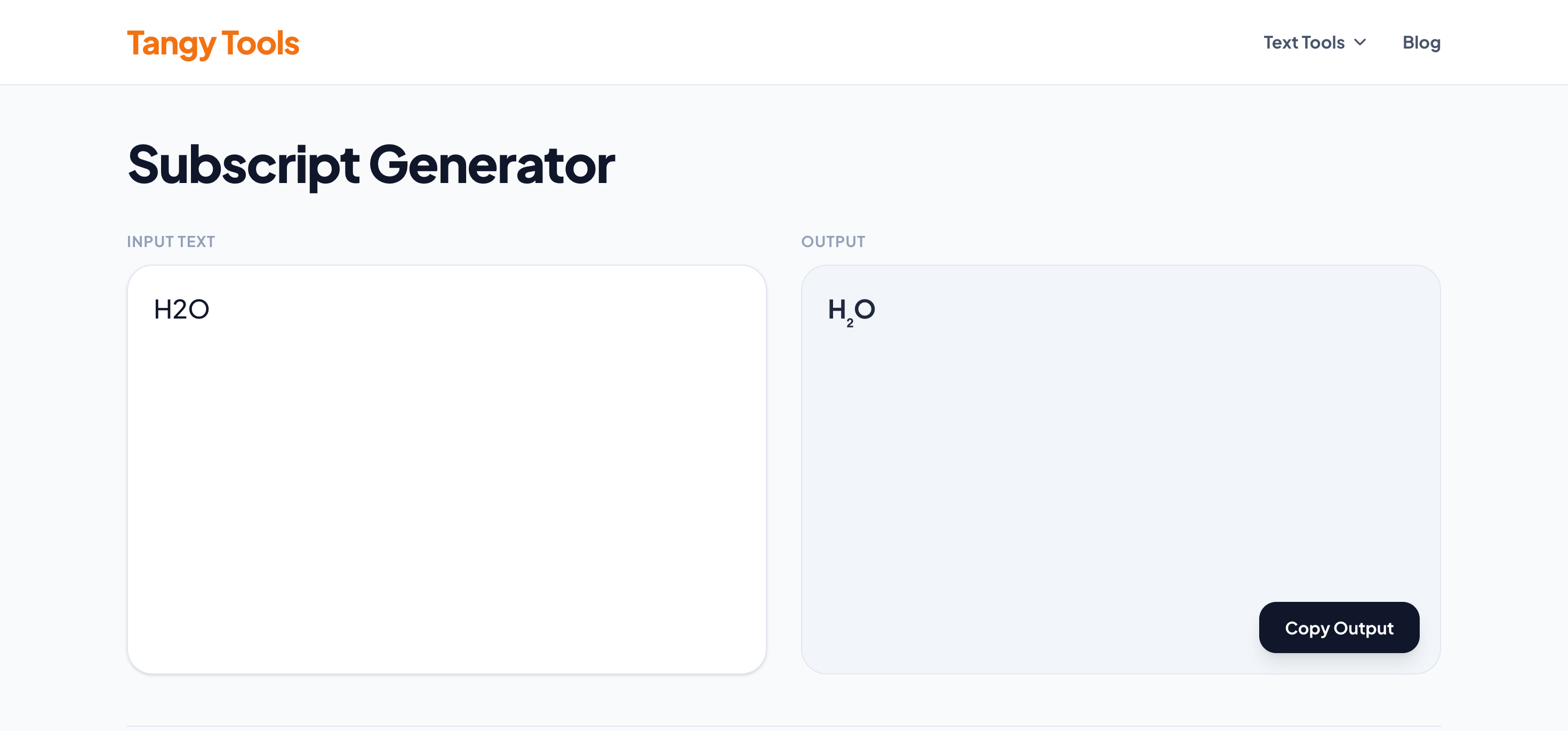
The Tangy Tools Subscript Generator handles subscript text. Type your input, copy the output, paste it anywhere.
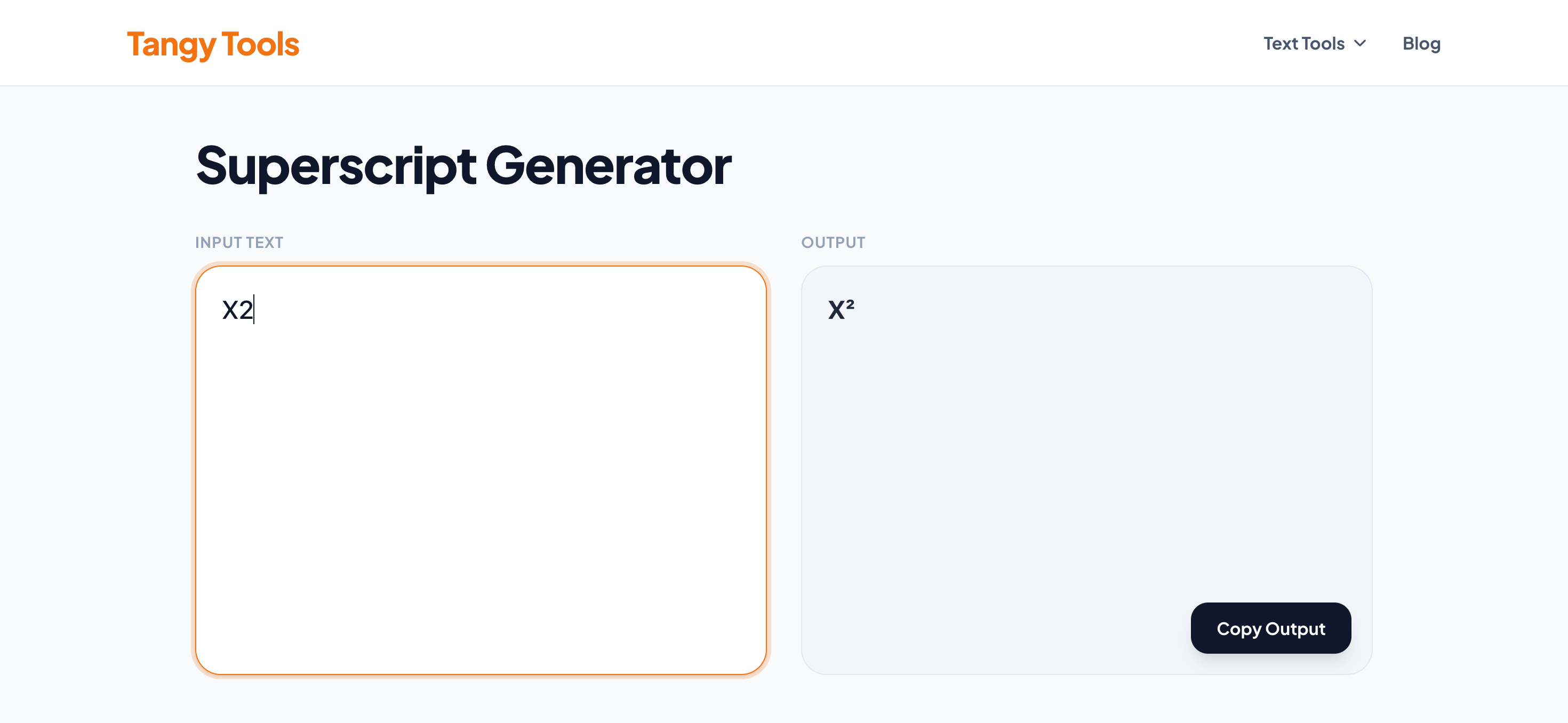
The Tangy Tools Superscript Generator does the same for superscript. Both tools run in your browser with no sign-up required.
Frequently Asked Questions
Q1. What is the difference between subscript and superscript?
A1. Subscript sits below the text baseline and is used for counts, indices, and identifiers, like the 2 in H₂O. Superscript sits above the baseline and is used for powers, exponents, and reference markers, like the 2 in x². Both use Unicode characters that work as plain text anywhere.
Q2. Is H₂O subscript or superscript?
A2. The 2 in H₂O is subscript. It sits below the baseline and counts the number of hydrogen atoms in the water molecule. If it were superscript, it would mean H raised to the power of 2, which is a completely different thing.
Q3. How do I type superscript on a keyboard?
A3. In Microsoft Word, the superscript shortcut is Ctrl + Shift + = on Windows and Cmd + Shift + = on Mac. In Google Docs, it is Ctrl + . on Windows and Cmd + . on Mac. These apply formatting within the app. For Unicode superscript that works anywhere, use an online superscript generator and copy the output.
Q4. Can I use subscript and superscript on Instagram?
A4. Yes. Both use Unicode characters rather than rich text formatting, so Instagram cannot strip them out. Characters generated from a subscript or superscript tool paste directly into Instagram bios and captions and display exactly as they appear in the generator.
Q5. What is superscript used for?
A5. Superscript is used for mathematical exponents (x²), footnote markers in academic writing (like this¹), trademark and registered symbols (™ and ®), ordinal suffixes (1ˢᵗ, 2ⁿᵈ), and isotope mass numbers in chemistry (¹⁴C). It always appears above the normal text baseline.
Conclusion
Subscript goes below the baseline and shows counts and identifiers. Superscript goes above and shows operations and references. Once you know what the small character is doing in a formula, it is always clear which one you are looking at.
Both are easy to generate for any platform using a Unicode tool.
For the full deep-dive into subscript text specifically, read the complete subscript guide.